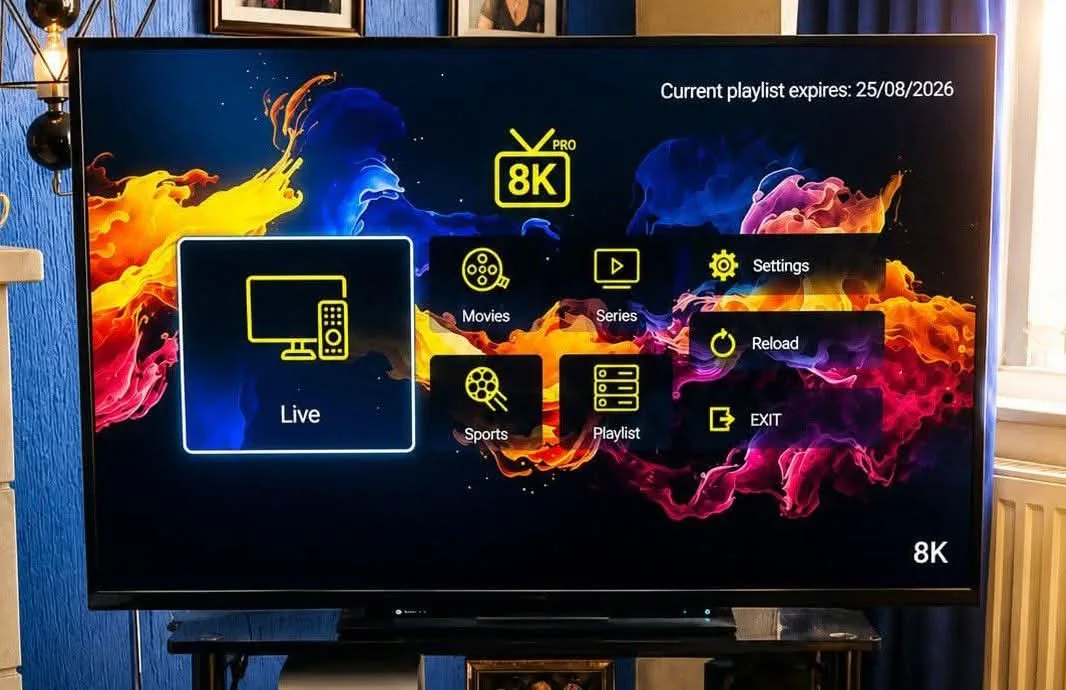
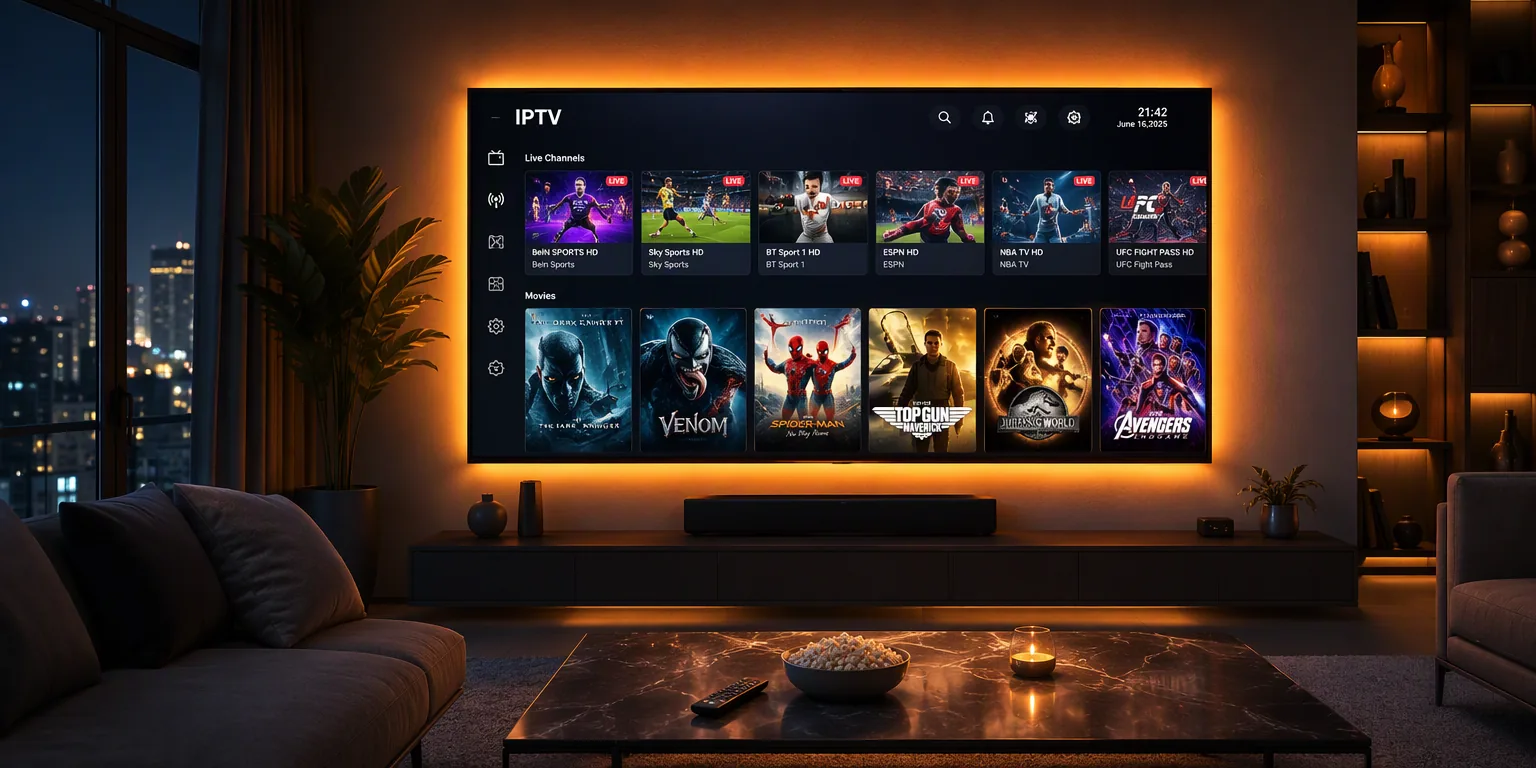
How to Install 8K IPTV on Firestick in 5 Minutes (2026)
Published September 17, 2026 · by the UltraStream 8K team
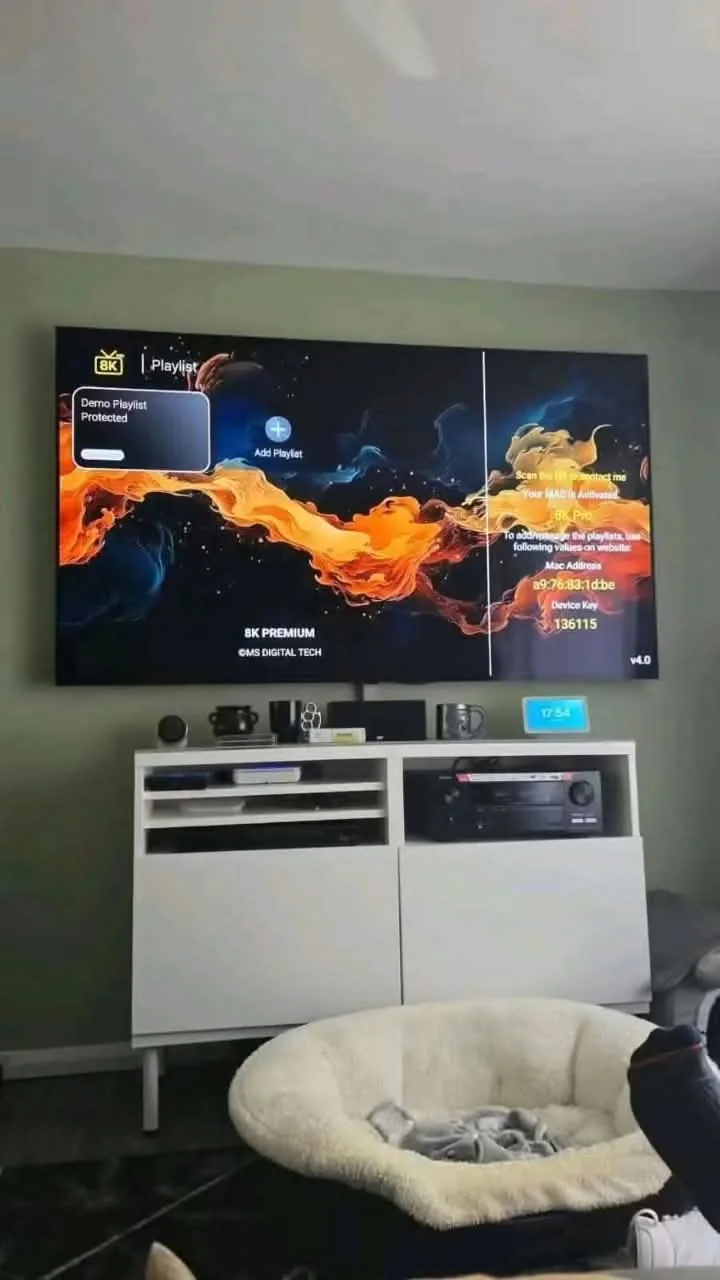
The Amazon Firestick is the most popular device for 8K IPTV — cheap, fast and plugged straight into your TV's HDMI port. This guide works on Fire TV Stick 4K, 4K Max, Fire TV Cube and every Fire TV Edition television. The whole process takes about five minutes.
Step 1 — Allow apps from unknown sources
- From the Firestick home screen, open Settings → My Fire TV → Developer Options.
- Switch Install unknown apps (or "Apps from Unknown Sources") to ON for the Downloader app.
- If you don't see Developer Options, go to About and press the select button 7 times on your device name to unlock it.
Step 2 — Install the Downloader app
- Go back to the home screen and open the Find / Search icon.
- Type Downloader and install the orange app by AFTVnews.
- Open Downloader and allow file access when prompted.
Step 3 — Enter your Downloader code
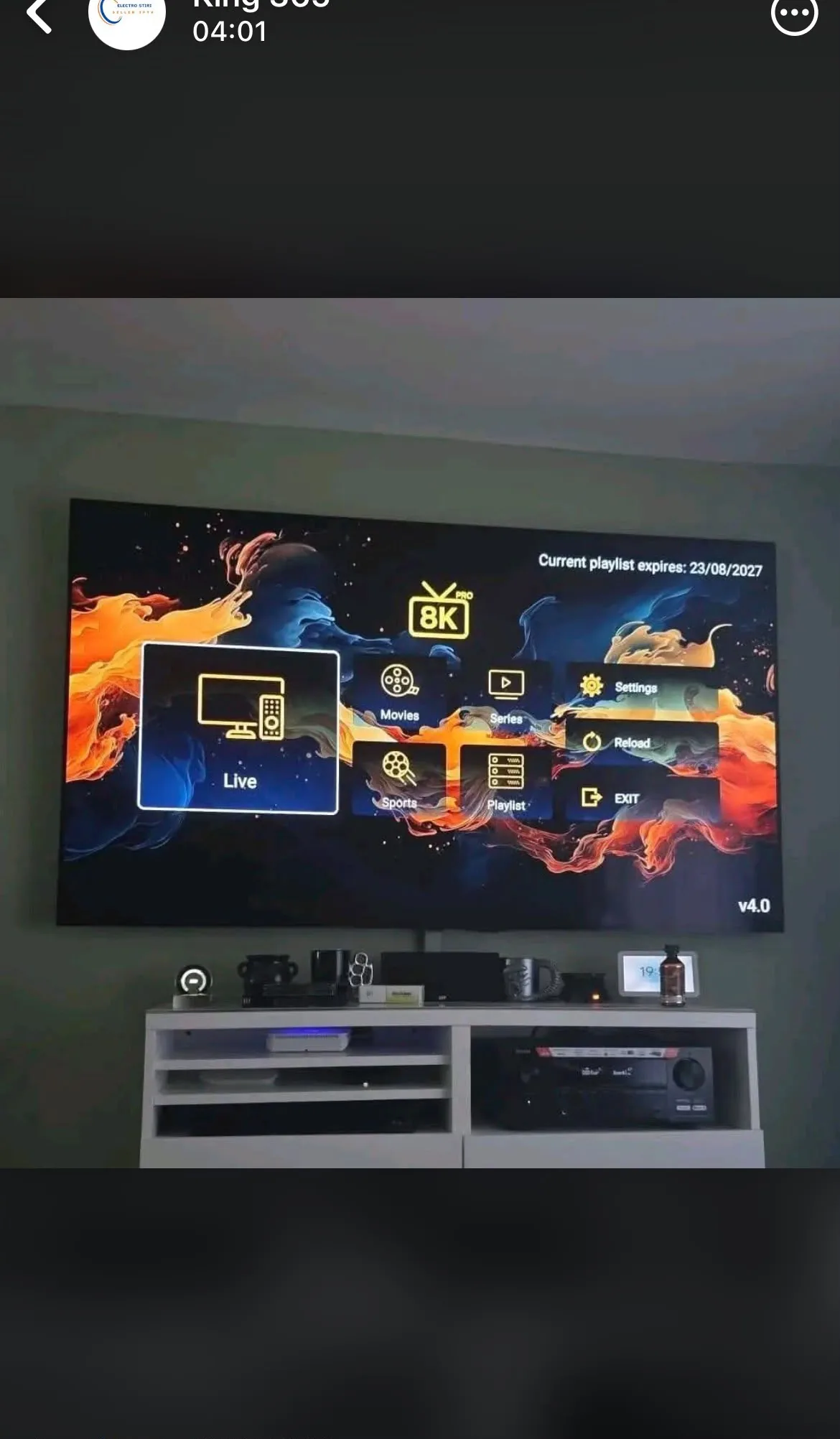
In the Downloader URL field, type one of our official short codes to install your player instantly. The most popular ones:
- 8K Player VIP — code 2057169
- TiviMate 8K Pro — code 3410676
- 8K Player Plus — code 6124314
The full, always-updated list of apps and codes lives on our apps & downloads page — bookmark it.
Step 4 — Log in and start watching
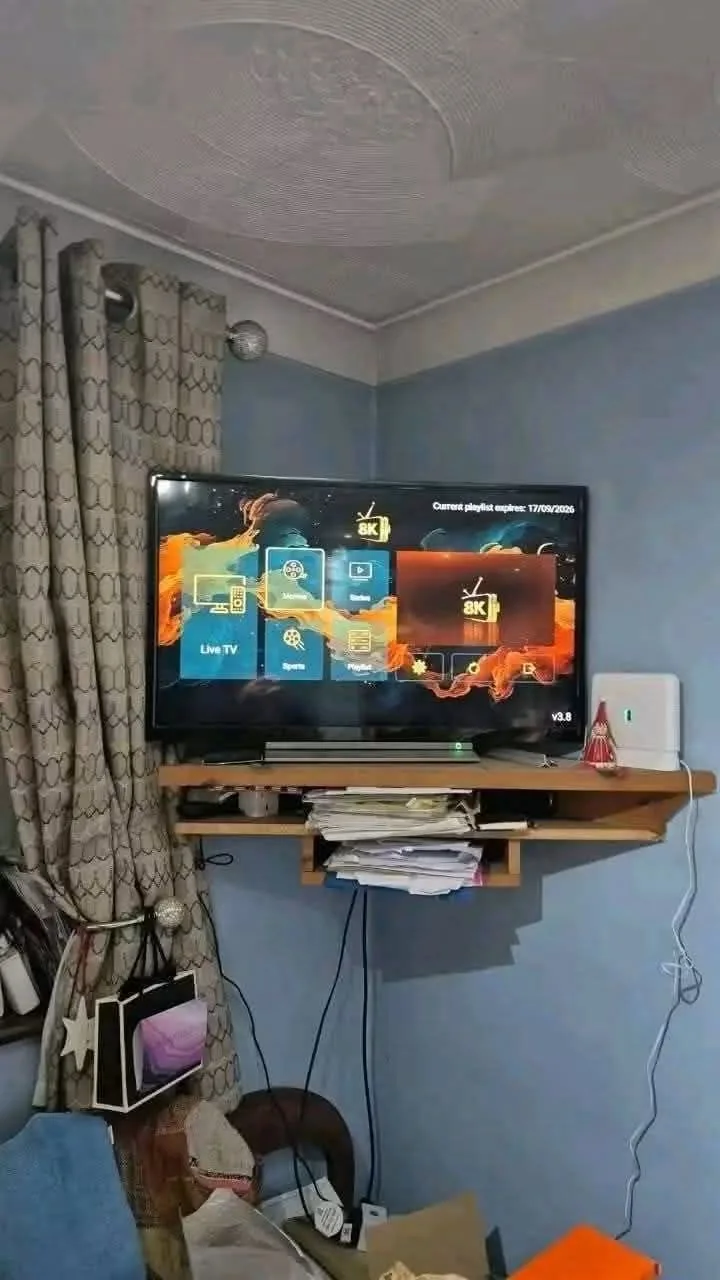
Open the installed app and sign in with the username and password you received after ordering. Your full package loads automatically: 55,000+ live channels, 320,000+ movies & series, the complete EPG guide and catch-up TV.
Troubleshooting tips
- Buffering? Use the 5 GHz Wi-Fi band or a €15 Ethernet adapter — 25 Mbps minimum for 4K, 50 Mbps+ for 8K.
- Code not working? Codes rotate for security — grab the latest one from the apps page or ask us on WhatsApp.
- New to 8K IPTV? Read our explainer first: What is 8K IPTV? The complete 2026 guide.
No subscription yet? Compare durations and devices on the pricing plans — every plan includes the 7-day money-back guarantee.
Get Your 24h Free Trial First
Test every channel on your own Firestick before paying anything. Message us on WhatsApp and we'll activate your trial in under 5 minutes.
▶ Activate My Free Trial